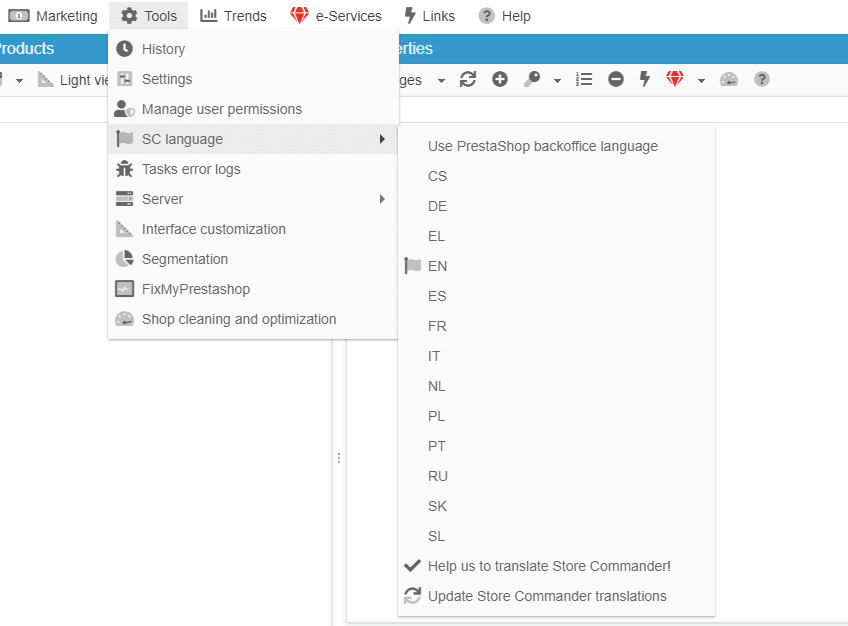
Modifying the language of Store Commander's interface
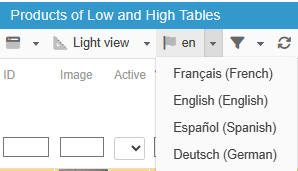
As soon as you have multiple languages available in your PrestaShop backoffice, you have the possibility to display your products in Store Commander in a language other than the one set by default for your store.
Simply select the corresponding language from the 'flag' menu on the main toolbar in the Products central panel:
If you wish to change the language of the complete interface, select the language from Tools > SC Language