Managing your partner area
Each partner has access to their own space to view affiliate programme data, such as their affiliates and commissions, and can also track their performance.
Please note that each site uses a different PrestaShop theme, so the screenshots below may not reflect your site.
The access
The partner logs into their account on the merchant's site and then selects “My Affiliates and My Commissions”. The home page will display 5 tabs: dashboard, media, commissions, affiliates and performance.
The tracking URL
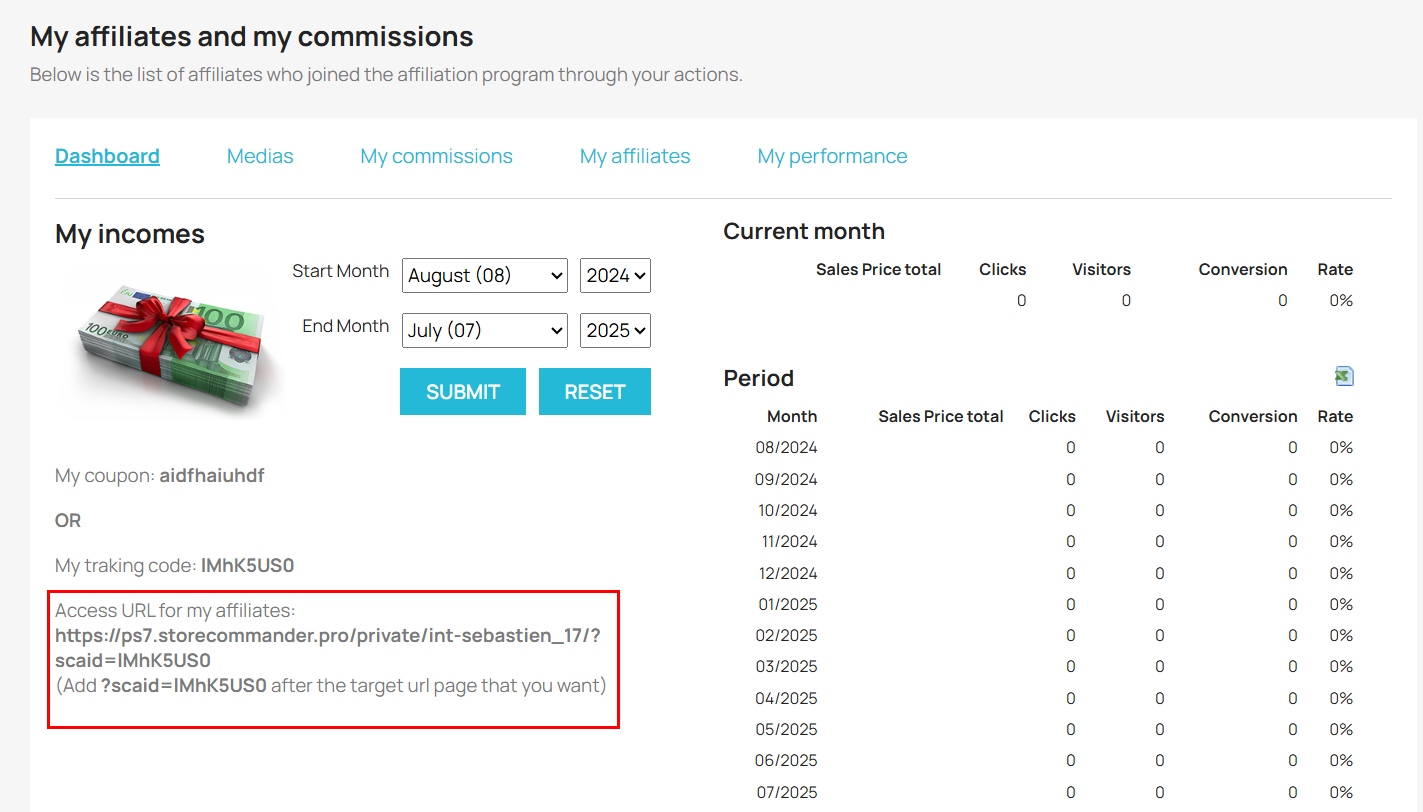
The partner can see the tracking URL used and/or the voucher code configured by the merchant on the dashboard (dashboard).
Medias
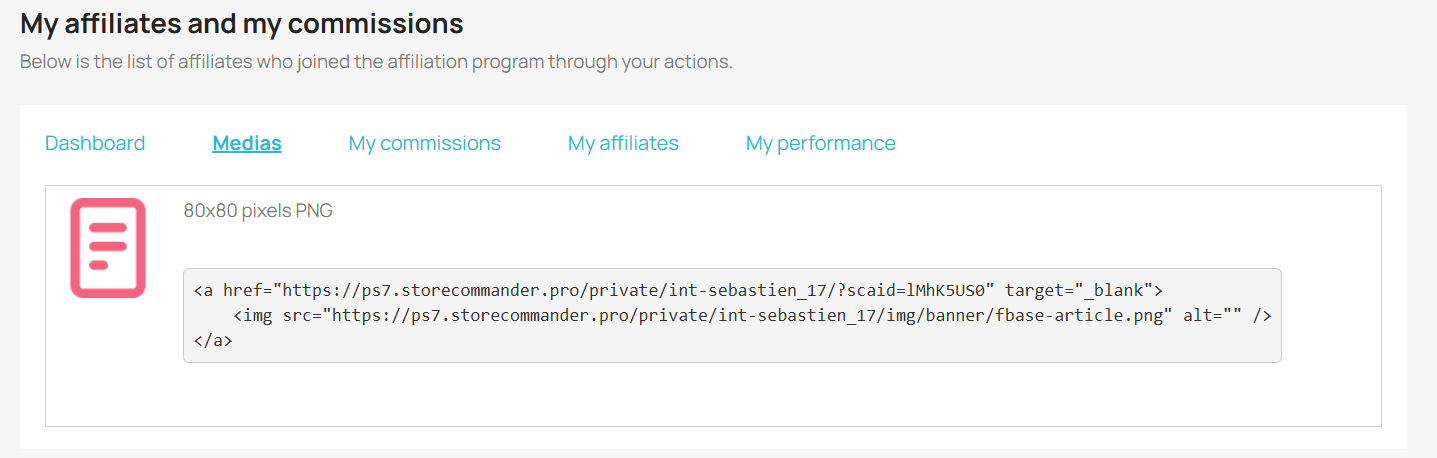
It is in this tab that the partner can retrieve the data to be used on its site to display the banners provided by the merchant. The information contains the banner and the corresponding tracking link.
Commissions
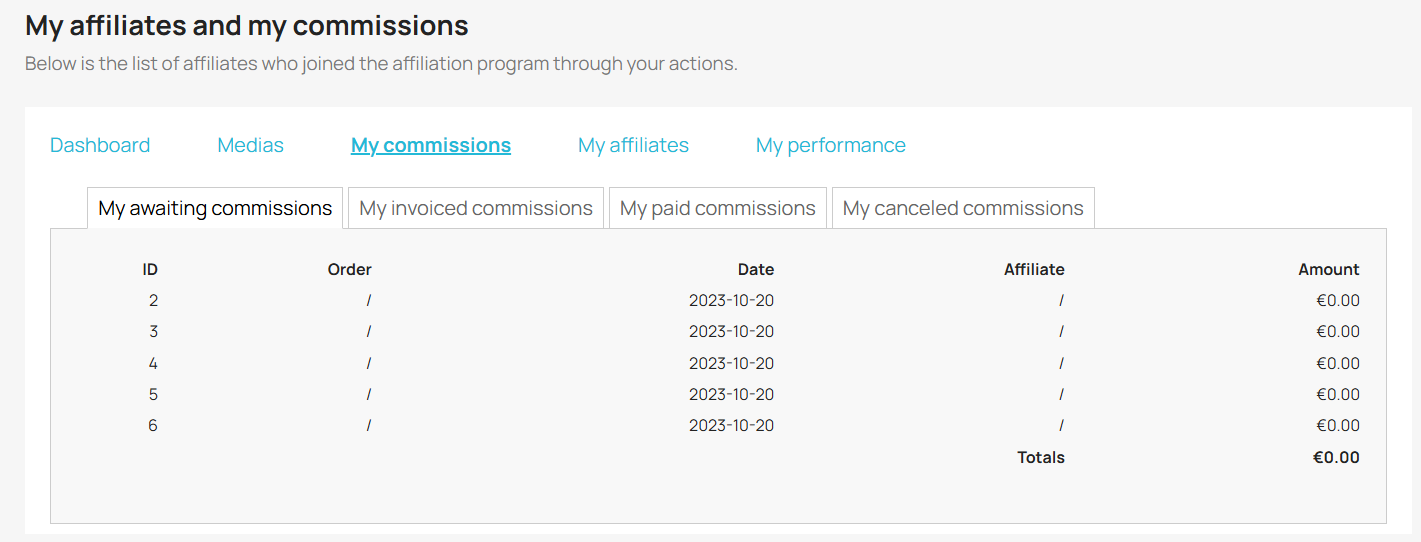
This is where partners can view details of their commissions: pending, invoiced, paid and cancelled.
In the 'pending commissions' section, when the commission threshold (chosen by the merchant) is reached, the partner can request payment of their commissions by simply clicking on the button.
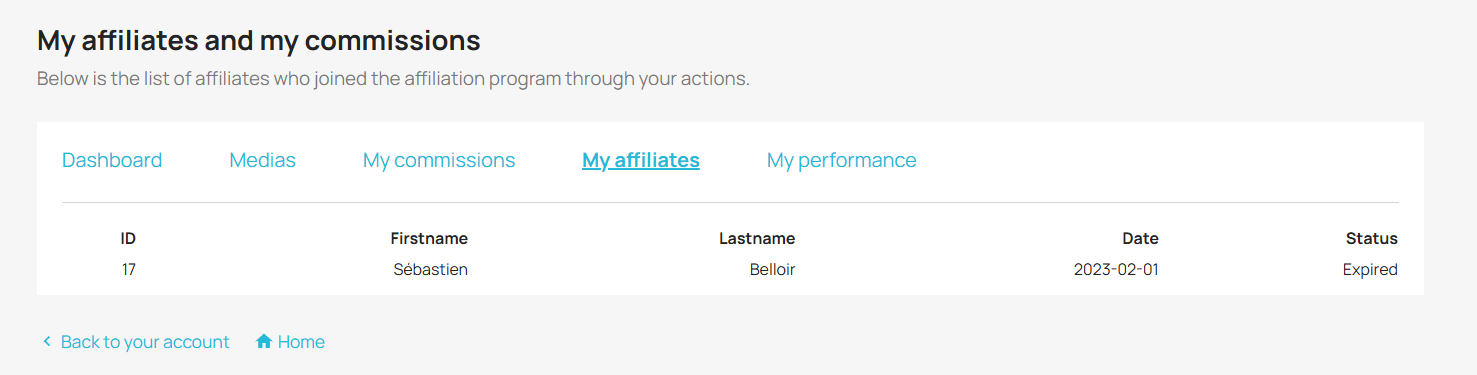
Affiliates
Partners can consult the list of their affiliates here.
Performance
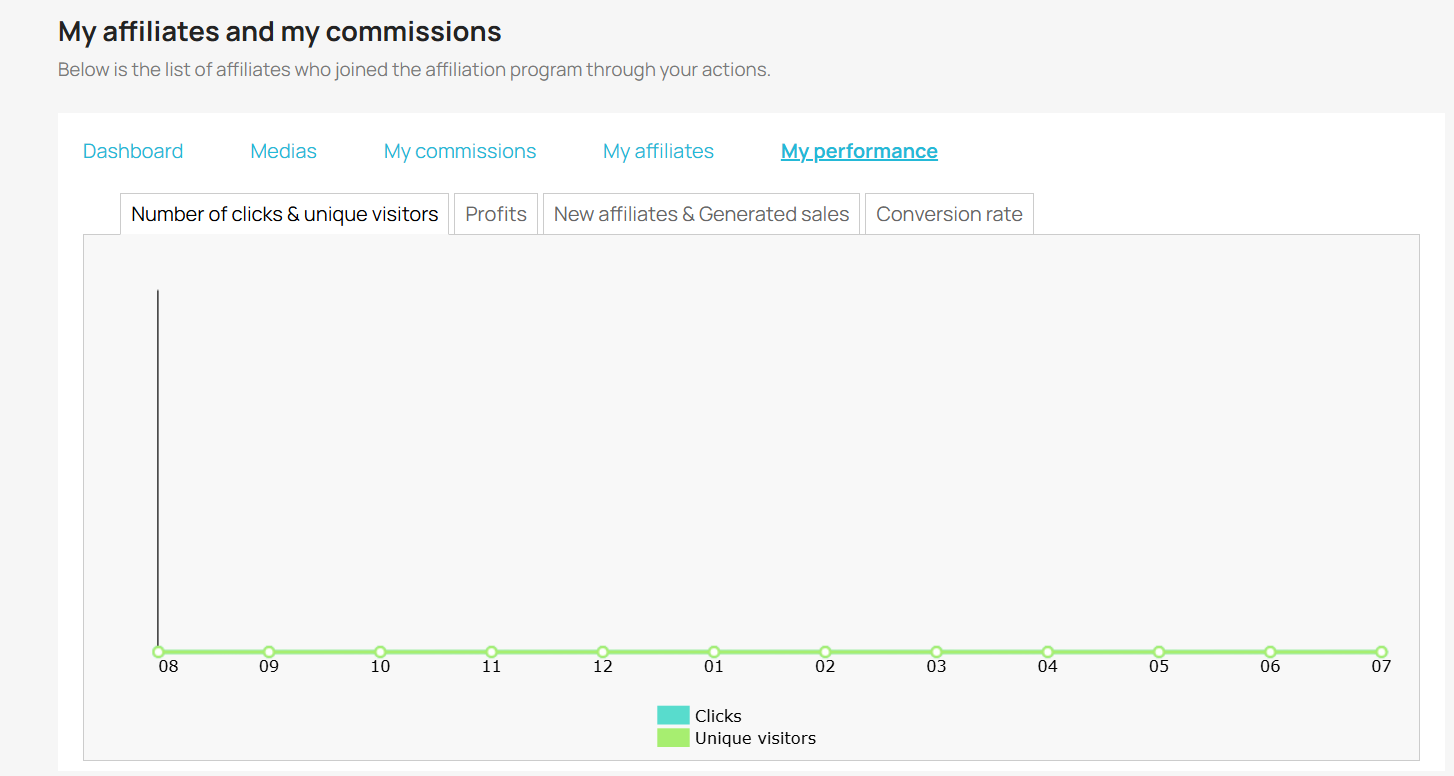
The dashboard and the Performance tab allow the partner to monitor the performance achieved thanks to the partnership with the merchant. The dashboard displays sales statistics by period, and the Performance tab displays various statistics in graphical form.