Grille Produits : Interval de jours depuis la dernière commande
Prerequisites
Access the PRO section of the tool to add custom fields:
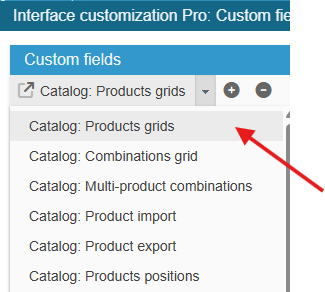
Ensure you select the right grid : ‘Catalog: Products grids’:
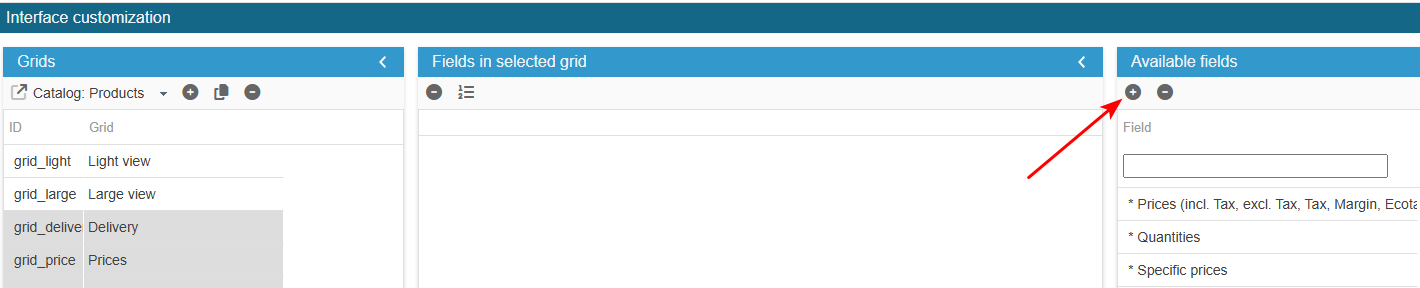
To add the field to the list of available fields for your grids, click on the in the 'Add a field' panel and enter the following information:
What is the field ID?: order_interval
SC creates the field, you now need to populate the grid with:
From the Advanced Properties panel on the right handside:
- select the menu Select options and enter:
return ' ,(SELECT DATEDIFF(NOW(), o.date_add)
            FROM ' . _DB_PREFIX_ . 'orders o
            WHERE o.id_order IN (SELECT DISTINCT(od.id_order)
                                FROM ' . _DB_PREFIX_ . 'order_detail od
                                WHERE od.product_id = p.id_product)
            ORDER BY o.date_add DESC
            LIMIT 1) AS order_interval';
Adapt this code to your specific needs.
Exit the editing window.
The new field is now present in the list of available fields and you can add it to your product grids.